
Backup Minimalism
Version 1.1, © 2006, 2010 by Dale Cotton, all rights reserved.
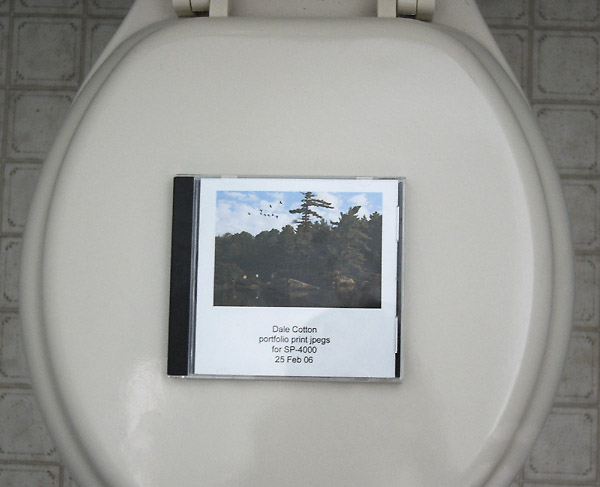
Fig. 1: My life's work all in one place
I have my images backed up in the form of dozens of CDs (mostly obsolete) and on portable HDs. But, in addition, I'm quite taken by the fact that I can have all 150 of my keepers backed up on a single DVD. I could also put all my writing, computer code, html, and guitar compositions on the same DVD ... and still have room to spare. That means my whole life's work weighs a few grams and could be slipped into a coat pocket ... very depressing! ;)
Here's how I do that. Let's say I have an image that started life as a 35mm neg and was then scanned at 14bit x 4000 ppi. That's a 120 MB file. With layers and channels in PS but dumbed down to 8-bit for printing, that still typically between 100 and 250 MBs. Even my dSLR edits average perhaps 75 MB.
What I do, however, is make a copy of each edit file, flatten it, and save as PSD or TIFF but as JPEG level 11. I've yet to see any degradation in an image from 8-bit uncompressed to JPEG level 11; but the file size averages about 1/3 compared to even a flattened PSD or TIFF.
These JPEG files are perfect for last-resort CD/DVD backups. Assuming they've reached their final edit, should it ever come to pass that I have no other copy of an image, I can still do what I need to do with the file – print and make on-line jpegs.